

-
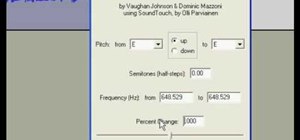
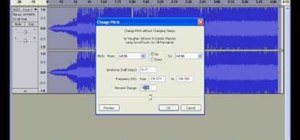
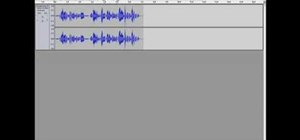
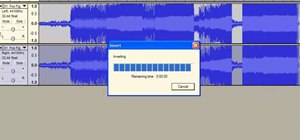
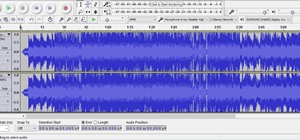
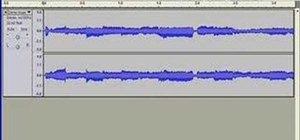
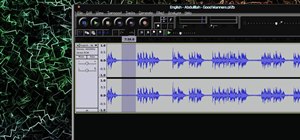
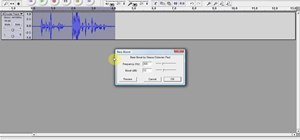
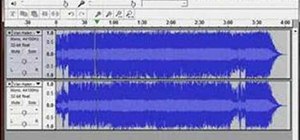
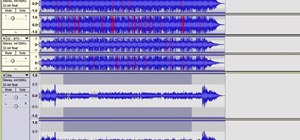
Audacity is an amazing editing tool, and why is it amazing? Because it's FREE! Yea, that's right, free! One awesome thing you can do with it is edit your mp3 files into whatever you need, heck, make your own ringtones with it! In this video you'll learn how to open a session in Audacity to edit your MP3 files in wave form!
-
You can buy ringtones on your cellphone, sometimes for as much as $3 apiece, many times without a preview so you won't know what part of the song it's from, often with low quality (which means it's probably illegal; if the ringtone were licensed, the quality would be at least acceptable), and in some cases, the ringtones will actually expire on ...
-
Are you tired of the ubiquitous ringtones on your phone? Does your ring sound like everyone elses? In this article, you'll find several different ways to get the ringtone that you want to your phone for free . Download the free Mac and PC-friendly audio editor Audacity if you don’t have a recording program already. Download LAME, which allows Au...
-
Download and install "Audacity". You can find it here . Download MP3 codec "Lame 3.96.1". You can find this on the Audacity site. Find an MP3 you want to cut down and use as a ringtone. Load said MP3 into Audacity and edit it down to the ringtone you want. I would not recommend anything over 30 seconds (that is pushing it). Export edited rington...